

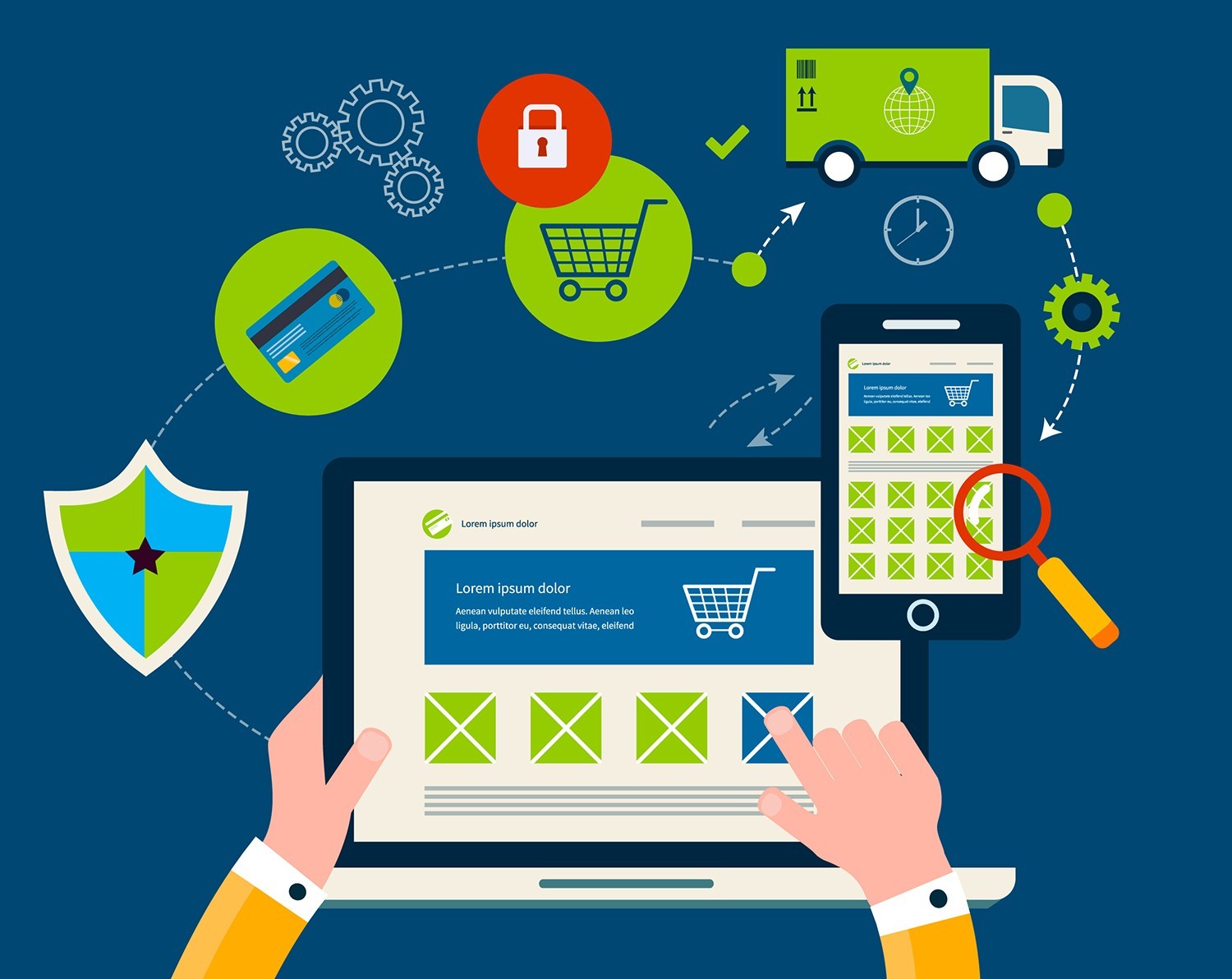
Online shopping offers convenience, variety, and competitive pricing—but it also comes with risks if you’re not careful. From fake websites to data breaches, digital shoppers need to stay alert. By following smart safety practices, you can enjoy online shopping while protecting your money, personal data, and peace of mind.
Shop Only on Trusted and Secure Websites
Not all online stores are created equal. Before making a purchase, take a moment to verify the legitimacy of the website.
Key signs of a trustworthy site include:
- A secure URL starting with https://
- Clear contact information and customer support details
- Well-written product descriptions and policies
Be cautious of websites with poor design, spelling errors, or deals that seem too good to be true—they often are.
Use Strong Passwords and Secure Accounts
Your account security is the first line of defense against unauthorized purchases.
Best practices for account protection:
- Use unique, complex passwords for shopping sites
- Enable two-factor authentication when available
- Avoid saving passwords on shared or public devices
A password manager can help you maintain strong credentials without memorizing them all.
Avoid Public Wi-Fi for Transactions
Public Wi-Fi networks are convenient but often unsecured, making them easy targets for hackers.
To stay safe:
- Avoid entering payment details on public networks
- Use a trusted VPN if shopping while traveling
- Stick to your mobile data or home network for purchases
A secure connection significantly reduces the risk of data interception.
Pay With Secure Payment Methods
The way you pay online matters just as much as where you shop.
Safer payment options include:
- Credit cards with fraud protection
- Trusted digital wallets
- Payment services that mask your card details
Avoid direct bank transfers or debit cards on unfamiliar websites, as they offer fewer recovery options if something goes wrong.
Be Careful With Personal Information
Legitimate retailers only ask for information necessary to complete your order. Anything more should raise a red flag.
Never share:
- Social Security or national ID numbers
- One-time passwords or verification codes
- Full card details through email or chat
Limiting shared information reduces exposure in case of a data breach.
Watch Out for Phishing Scams and Fake Deals
Scammers often pose as retailers through emails, texts, or social media ads.
Common warning signs include:
- Urgent messages claiming account issues
- Unexpected prize or refund notifications
- Links that redirect to unfamiliar websites
Always access shopping sites by typing the URL directly instead of clicking unknown links.
Read Reviews—but Read Them Smartly
Customer reviews can be helpful, but they’re not always genuine.
Tips for evaluating reviews:
- Look for detailed feedback, not generic praise
- Check for a mix of positive and negative comments
- Be wary of products with only five-star reviews
Cross-check reviews on multiple platforms for a more accurate picture.
Keep Your Devices and Software Updated
Outdated software can expose your device to security vulnerabilities.
Protect yourself by:
- Installing system and browser updates promptly
- Using reputable antivirus and anti-malware tools
- Enabling automatic security updates when possible
Regular updates help block known threats before they cause damage.
Monitor Your Transactions Regularly
Even cautious shoppers can fall victim to fraud. Early detection is critical.
Make it a habit to:
- Review bank and card statements frequently
- Set up transaction alerts
- Report suspicious activity immediately
Quick action often determines whether lost funds can be recovered.
Smart Habits Make Online Shopping Safer
Online shopping doesn’t have to feel risky. By developing consistent safety habits and staying aware of common threats, you can shop confidently and securely. A few extra minutes of caution can prevent weeks of stress later.
Frequently Asked Questions (FAQs)
1. How can I tell if an online store is fake?
Fake stores often lack clear contact details, have copied product images, and offer unusually low prices across all items.
2. Is it safer to shop through apps or websites?
Both can be safe if they’re official and updated regularly, but apps from verified app stores often include added security layers.
3. What should I do if I accidentally shopped on a scam website?
Contact your bank immediately, freeze the payment method if possible, and monitor your accounts for suspicious activity.
4. Are free shipping offers a security risk?
Free shipping itself isn’t risky, but scammers often use it to lure buyers—always verify the seller first.
5. How often should I change my shopping account passwords?
It’s a good idea to update passwords every few months or immediately after any data breach notification.
6. Can online reviews be manipulated?
Yes. Some sellers post fake reviews, which is why it’s important to look for detailed, balanced feedback.
7. Should I save my card details on shopping sites?
Saving details is convenient but increases risk. It’s safer to use secure payment services or enter details manually for major purchases.
If you’d like, I can also rewrite this article for SEO optimization, consumer safety blogs, or ecommerce platforms—just let me know.

Comments are closed.